
 See Our Latest Article on HelloNation
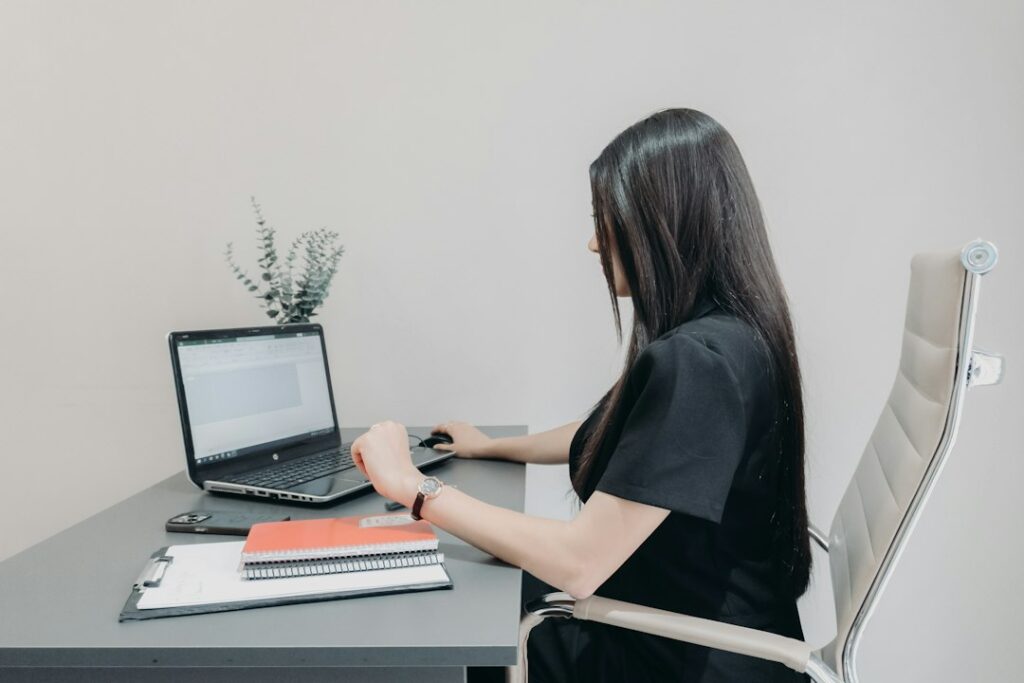
Children spend many hours sitting, reading, writing, using tablets, and carrying school materials. Ergonomics—the practice of arranging activities and spaces to reduce unnecessary strain—can make these tasks more comfortable and easier to sustain.
For families in Evans, NY, ergonomic habits are especially useful during winter months, when snow, cold temperatures, and shorter daylight hours can lead to more homework, gaming, and indoor screen use. The goal is not to make a child sit perfectly still. It is to create a setup that supports movement, comfort, and age-appropriate posture.
What does good posture look like for a child?
Good posture is a comfortable, balanced position that allows the head, shoulders, arms, hips, and feet to work without excessive bending or twisting. Children do not need to hold one rigid position all day.
At a desk or table, look for these general features:
- The head is mostly balanced over the shoulders rather than pushed far forward.
- Shoulders are relaxed instead of lifted or rounded tightly.
- Elbows stay near the body and are supported when possible.
- Forearms are roughly level with the work surface.
- The back is supported by the chair when seated.
- Feet rest on the floor or on a stable footrest.
- The child can change position without reaching, twisting, or hunching.
A child who shifts positions, briefly stands, or leans forward while concentrating is not necessarily using poor posture. The larger concern is spending long periods in one uncomfortable position, especially when pain, numbness, headaches, or fatigue develop.
How should a homework space be set up?
The best study space is one that fits the child rather than forcing the child to fit adult-sized furniture. A standard dining table may work well temporarily, but smaller children may need a cushion, footrest, or raised writing surface to avoid dangling feet and excessive shoulder lifting.
For seated work, adjust the space so the child can:
- Keep both feet supported.
- Sit close enough to the table without leaning forward.
- Write with the paper near the center of the body.
- Keep frequently used supplies within easy reach.
- Look straight ahead rather than turning the neck toward a screen or book.
- Use a chair that supports the lower and middle back.
If the table is too high, shoulders may rise and wrists may bend upward. If it is too low, the child may hunch over. Simple changes—such as a stable footrest or placing a book on a slanted support—can improve comfort without requiring special furniture.
A homework area near a window may provide helpful daylight, but glare should be avoided. During darker winter afternoons, use even room lighting so the child does not lean toward the page or screen.
What is the safest way for children to use laptops and tablets?
A laptop placed flat on a table often makes children look downward for long periods. For short tasks, this may be unavoidable. For longer assignments, raise the screen closer to eye level with a stable support and use a separate keyboard or input device if available.
A practical screen setup includes:
- The screen directly in front of the child.
- The top portion of the screen near eye level or slightly below it.
- Enough distance to read without leaning forward.
- The keyboard close enough that the elbows stay near the sides.
- Wrists in a fairly straight position rather than sharply bent.
- The chair and screen adjusted together, not independently.
Tablets are often used on laps, beds, or couches. These positions may feel comfortable at first but can encourage prolonged neck bending. Encourage children to alternate between sitting, standing, and using a device on a properly supported surface.
There is no single posture that prevents all discomfort. Frequent changes are more realistic and useful than constant reminders to “sit up straight.”
How often should children take movement breaks?
Children generally benefit from brief movement throughout the day rather than waiting until they hurt. During homework or computer use, a child can stand, walk, stretch gently, refill a water bottle, or look across the room every 20 to 30 minutes.
Movement breaks do not need to interrupt learning significantly. Examples include:
- Standing while reviewing spelling words.
- Walking during a reading break.
- Doing a few shoulder rolls between assignments.
- Switching from keyboarding to handwriting.
- Taking a short indoor movement break during bad weather.
- Looking away from a near screen regularly to reduce visual fatigue.

A break should feel like a change of activity, not a demanding exercise session. Children should not be pushed into stretches that cause pain, tingling, or dizziness.
How heavy should a school backpack be?
A backpack should be light enough that the child can walk normally without leaning forward, shrugging the shoulders, or struggling to put it on. A commonly used safety guideline is to keep the backpack at no more than about 15% of the child’s body weight, with a lighter load preferred when possible.
Choose a pack that is proportional to the child’s body and has two wide shoulder straps. The pack should sit close to the back, with the bottom resting around the lower back rather than hanging near the hips.
Teach children to:
- Use both shoulder straps.
- Fasten a chest or waist strap if the backpack has one.
- Place heavier items closest to the back.
- Use compartments to distribute smaller items.
- Remove unnecessary papers, books, and sports equipment regularly.
- Bend the knees when lifting the backpack from the floor.
A backpack does not cause scoliosis, but an overly heavy or poorly fitted pack can contribute to temporary neck, shoulder, and back discomfort. If a child repeatedly reports pain while carrying it, the load and fit should be reviewed.
What ergonomic mistakes are easy to overlook?
Several everyday habits can create strain even when a desk appears well organized. Children may complete homework while lying on the floor, sitting on a bed, or balancing a laptop on their knees. These positions are not automatically harmful for short periods, but they become less suitable when used for long assignments.
Other overlooked issues include:
- A chair that allows the feet to dangle.
- A screen placed to one side, causing repeated neck rotation.
- Reading with the book held too close to the face.
- Using a phone with the neck bent for extended periods.
- Keeping a backpack on while sitting.
- Working in dim lighting.
- Staying indoors and inactive for most of the day during winter weather.
- Wearing wet, bulky outer clothing while trying to sit at a small desk.
Comfort, movement, and regular changes matter more than expensive equipment.
When should a child’s pain be evaluated?
Occasional tiredness after a long school day is different from persistent or worsening symptoms. Families should pay attention when a child has repeated back, neck, shoulder, wrist, or hand pain; numbness or tingling; weakness; headaches associated with desk work; or pain that interferes with sleep, school, sports, or normal play.
Pain after a fall, sudden injury, or heavy lifting deserves prompt attention. A child who consistently avoids schoolwork, changes the way they walk, or cannot carry a normally manageable backpack should also be evaluated. Ergonomic adjustments may help, but they should not be used to dismiss ongoing symptoms.
A comfortable study setup, a correctly fitted backpack, and frequent movement can support children through schoolwork, indoor winter activities, and screen-based learning without demanding perfect posture.
